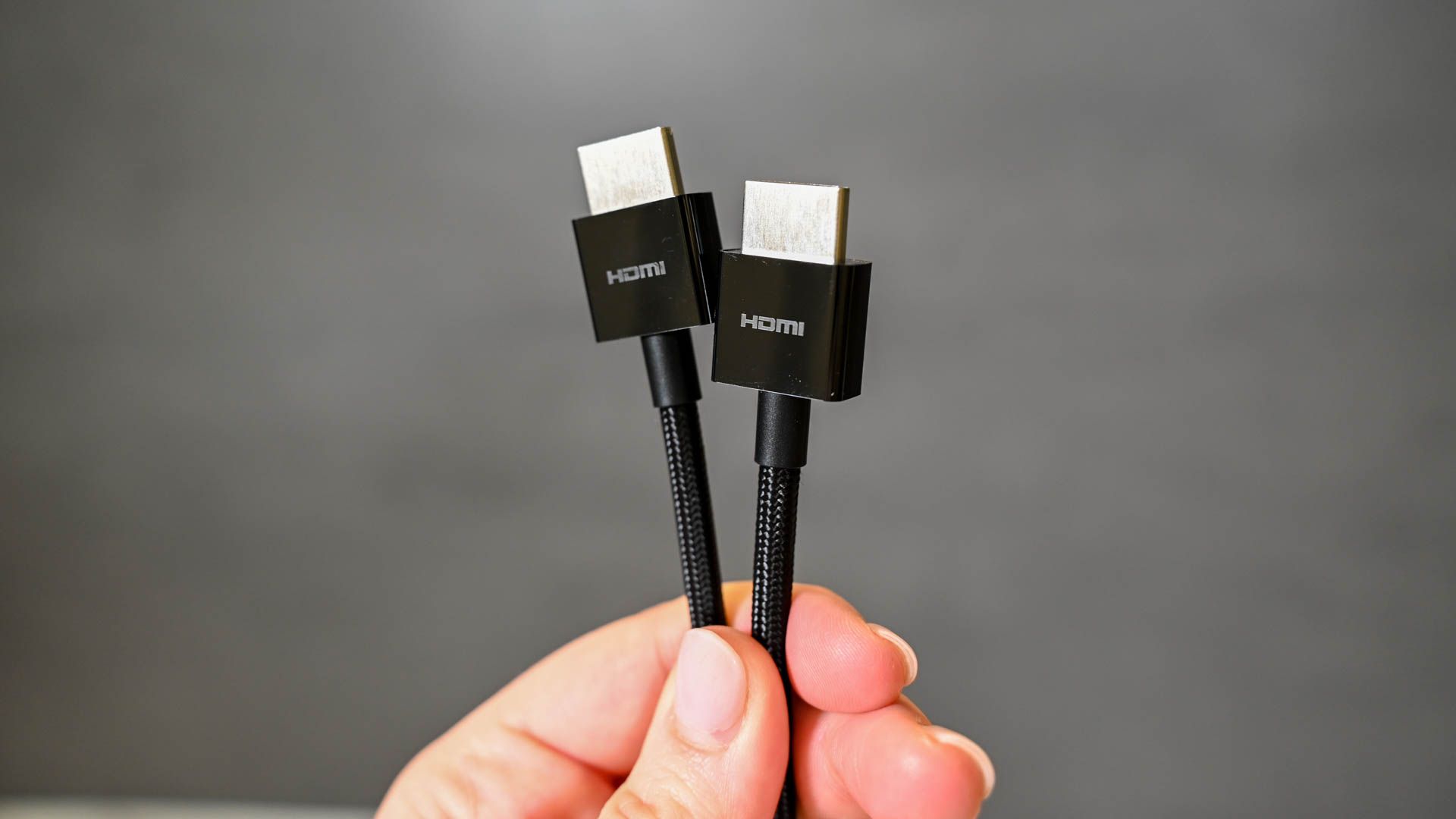

The purpose of an HDMI switch is to simply turn one HDMI port into many. If you want to connect multiple devices and accessories to your television or computer monitor, which may only have one or two HDMI ports, an HDMI switch will add two, three, or more ports, and you can easily switch between the different sources with the press of a button.
The Mrocioa 8K HDMI Switcher is one of the most complete packages you could ask for in an HDMI switch, with a dash of future-proofing. Being HDCP 2.3 compliant, no copyright material is beyond your reach, and since its maximum output is 8K, it’ll look unbelievably sharp, too. Not to mention the sound quality will be equally stellar with ARC support, assuming you want to branch out to a soundbar or receiver and take advantage of Dolby Atmos.
Speaking of branching out, the Mrocioa 8K HDMI Switcher is also equipped with one of the most coveted ports in gaming right now: HDMI 2.1. This means you’ll be able to push your PS5 or Xbox Series X|S to 120Hz, at a 4K or 1080p resolution. Running games at 60Hz is already great, but 120Hz feels even better.

Mrocioa 5 in 1 HDMI Arc Switcher
Best Overall
Whether you love experiencing the most a film can offer, love gaming, or both, the Mrocioa 8K HDMI Switcher offers the best of both worlds, from HDMI 2.1 ports to ARC support.
- HDMI 2.1 ports for higher refresh rate
- ARC support
- Durable, aluminum housing
- App control is only available for iOS

The Newcare 3-Port HDMI Switcher packs quite the bunch, despite its small but respectable set of features. By just sacrificing one HDMI port, you get three in return, which is plenty if all you use is, say, a channel box, DVD player, and maybe a game console.
Best of all, the Newcare 3-Port HDMI Switcher not only maintains a high-quality image, it does so up to a 4K resolution and at 60Hz. It’s also HDCP 2.2 compliant, meaning copyright material, like your favorite movies, will have no problem being channeled through the device. To bring everything together, you can also tease out better color saturation due to its HDR support.

Newcare 3-Port HDMI Switcher Selector
Best Budget
$16 $22 Save
$6
Given its handful of ports and performance, the Newcare 3-Port HDMI Switcher is one of the most budget-friendly options available. It even comes with an HDMI cable of its own and doesn’t need a power supply to work.
- Simple to use and set up
- Doesn?t need a power supply
- Includes an HDMI cable

Featuring as many as five HDMI-in ports, you can strap quite a few devices to the Roofull 5 Port HDMI Switch, like streaming sticks and a DVD player, and still have room for a gaming console. With the included remote, which is very intuitive, you can quickly switch between sources when it doesn’t automatically jump to the desired device.
To elevate your experience, the Roofull 5-Port HDMI Switch also includes AUX and Optical Out ports. That means you can set up a pretty fancy soundbar, maybe an amplifier, go all out with surround sound, or stick to something small like a pair of headphones. Since it supports ARC, you’ll be able to benefit from higher-quality audio formats like Dolby Digital, too.

Roofull 5 Port 4K HDMI Switch
Best 4K
Apart from five HDMI-in ports, the Roofull HDMI Switch also includes a couple of audio ports for a complete experience, whether you’re watching your favorite movies in 4K, playing games, or listening to music.
- Function with soundbars, amplifiers, and surround systems
- Supports HDR10
- 8K model available
- 8K model doesn’t support ARC

The OREI HDMI Multi-Viewer is a special kind of HDMI switch. Normally, you switch between sources on a single display, but this switcher can break up your display into as many as four separate windows thanks to the use of picture-in-picture technology. In fact, it has five different modes, four of which are dedicated to displaying all four sources in varying ways.
What is equally impressive is the OREI HDMI Multi-Viewer’s remote. It not only has buttons for switching between each source, but it also features a button for every single PiP mode and the desired resolution, which you can choose between 480p, 720p, and 1080p.

Orei HD-401MR HDMI Switcher
Best Remote Control
The OREI HDMI Multi-Viewer not only has one of the best remote controls, but it also has the nifty ability to share multiple sources on a single display. It’s incredibly useful for setting up security cameras or multitasking several devices.
- Fantastic remote with intuitive buttons
- Multiple picture-in-picture modes
- Quite a few models, including a matrix
- Maximum resolution is 1080p
- Doesn?t automatically shut off

With access to ARC, most audio formats, and the option to switch between four audio modes, like 5.1CH for surround sound, the Ferrisa HDMI Matrix is the perfect option to drastically enhance your entertainment system with speakers, subwoofers, soundbars, amplifiers, and more.
The Ferrisa HDMI Matrix also comes out swinging with its incredible image quality and refresh rate. You can push it to its limits with 8K resolution at 60Hz or drop it to 4K at 120Hz, which is a truly amazing experience for gaming, especially with a good set of speakers. Better yet, being a matrix also means you can split the image to a second television—a handy feature to have if someone is hogging the main television.

Ferrisa 4 in 2 HDMI Matrix
Best ARC Support
The Ferrisa HDMI Matrix is the king of sound, equipped with an audio extractor, ARC support, and support for most audio formats. If you’re putting together a home theater or you’re simply an audiophile, this HDMI matrix has everything you need.
- Switch and splitter combo
- Supports ARC and most audio formats
- Metal shell and vents for cooling and durability
FAQ
Q: What’s the difference between an HDMI switch and an HDMI splitter?
The purpose of an HDMI switch is to extend the number of HDMI ports a single display has. For example, if you have four devices, but your TV has only two HDMI ports, you can sacrifice one of them for additional ports. As for HDMI splitters, what those do is take a single device and duplicate the image across multiple displays.
Q: Do HDMI switches add lag?
Generally speaking, no. HDMI switches shouldn’t add any noticeable input lag. If you’re experiencing input lag, it’s more than likely that it’s caused by something else, like a cheap HDMI cable or faulty equipment.
Q: Will an HDMI switch degrade image quality?
An HDMI switch won’t degrade image quality as it’s a digital signal. However, the quality of your HDMI cable is also a factor, too. The only image degradation you should be aware of is an HDMI switch’s maximum resolution. If you have a 4K television, but the HDMI switch is limited to 1080p, then 1080p will be the maximum.
Q: Do HDMI switches work in both directions?
No. If your thinking was duplicating a single source across multiple displays, then you’ll want to check out the best HDMI splitters instead.
Q: How do I connect an HDMI switch to my TV?
You’ll have two types of HDMI ports on your HDMI switch: HDMI-in and HDMI-out. Your television or display is going to connect to HDMI-out while the HDMI-in ports are saved for devices like game consoles and TV boxes.