
Key Takeaways
- Google TV is a new interface on top of Android TV, not a separate operating system.
- Besides the new interface, Google TV offers personalized recommendations and the ability to view all your favorite content on one screen.
- Get Google TV on Android TV by purchasing a compatible device or tweaking settings to mimic the interface.
Considering the Android operating system was developed by Google, it’s understandable that you might be confused about the differences between Google TV and Android TV. Is it the same thing?
How Does Google TV Differ From Android TV?
Android TV OS (simply referred to as Android TV) powers a variety of Smart TVs and set-top boxes, as well as media streaming services. These include the Nvidia Shield, Razer Forge TV, TiVo Stream 4K, and many more. However, Google unveiled Google TV in September 2020 as the successor to Android TV.
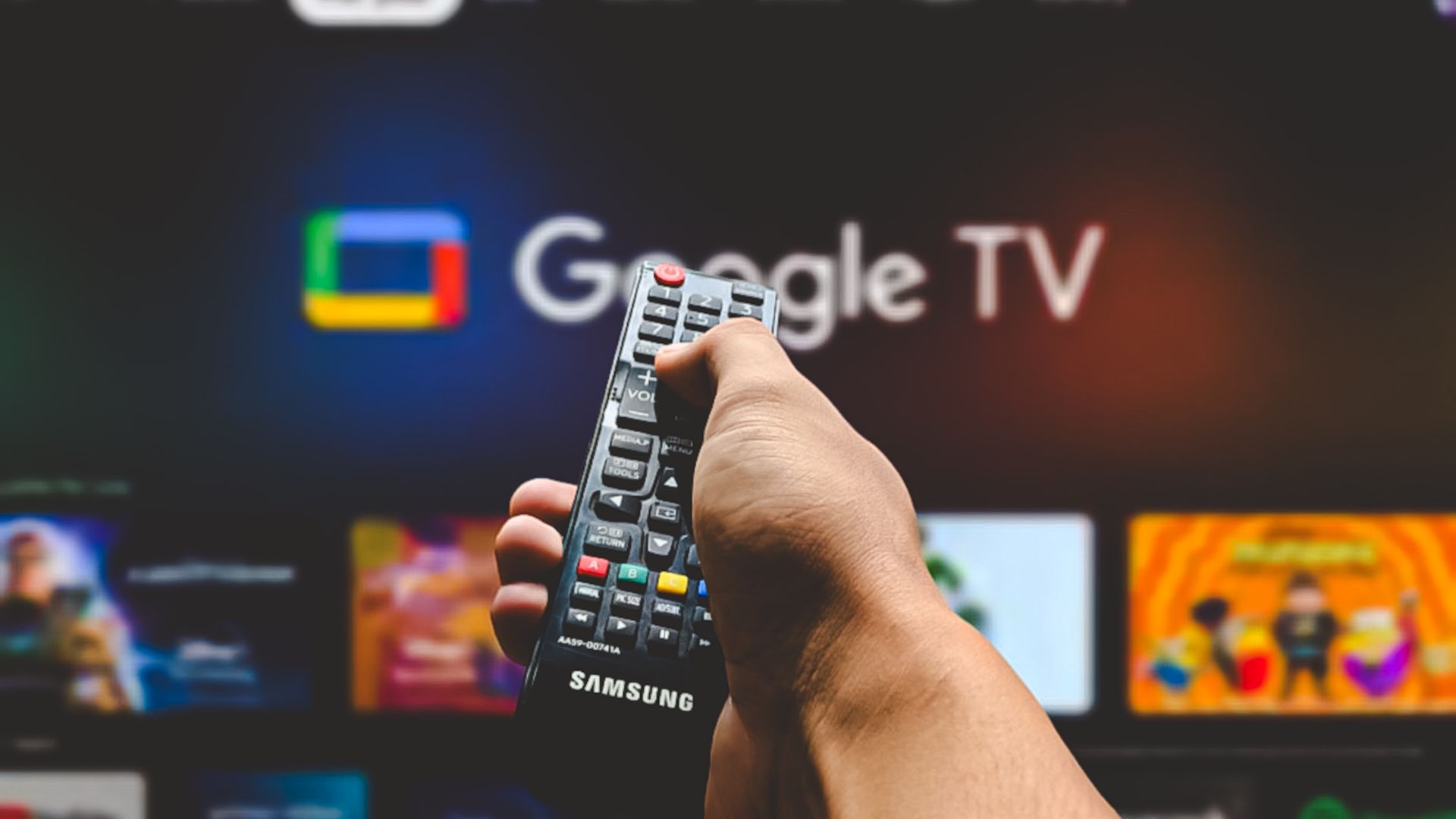
Instead of being a total overhaul, Google TV is simply a new and sleeker software interface. Google TV sits on top of the Android TV operating system to provide a different visual interface. This is similar to a mobile phone manufacturer like Samsung, giving Android its own style.
To clear up any confusion, it’s easiest to think of Google TV as a new skin on top of Android TV. Android TV still exists as an operating system; Google TV is just the new face of it. If you still have questions about what Android TV is, we have you covered.
What Changes Does Google TV Bring?
The biggest change that Google TV brings is the Home screen. Google TV is very much based around recommendations from the streaming services you’ve subscribed to, so Disney+ will show you its top picks if you’re subscribed to it, and so on. It also provides content recommendations instead of app recommendations on Android TV.
One of its standout features is the ability to bring all the content from your favorite streaming platforms on one single screen.
Another exciting feature that Google TV boasts is Watchlist. Using your phone, tablet, or computer you can add movies and TV shows to your Watchlist from a Google search.
This is especially useful if you tend to forget the names of shows or want to add movies following a conversation with a friend, but aren’t in front of your TV. It’s also a handy feature, especially if you feel there are too many streaming services that you can’t keep track of what to watch.
For easy content management, Google TV has a companion Android app with an identical name (previously called Play Movies & TV) that you can use to browse things to watch, buy or rent movies, and use your phone as your remote.
Several new tabs are also available on Google TV, including Live and For You. Parental controls are also available, including the option to set up multiple user profiles, like on Netflix.
Lastly, when you set up Google TV, you do this via the Google Home app as opposed to on the TV itself. You’ll be asked to select different options, including the streaming services you’re subscribed to and want to appear on your Google TV Home screen, so it can customize your recommendations.
How to Get Google TV on Android TV
Some new set-top boxes, streaming dongles, and Smart TVs ship with Google TV. If your smart TV doesn’t have Google TV, you can buy a streaming device like Chromecast with Google TV (4K) or Chromecast with Google TV (HD). Both cost less than $50, offering the cheapest option if you need Google TV.
Alternatively, you can ditch your current TV and get one with built-in Google TV support. If you love tinkering with devices, there’s a way to make your Android TV look like Google TV.
While Google TV is built on top of Android TV, it’s important to understand that it looks quite different. The underlying core is the same, but Google TV uses Android’s operating system to offer a fresh look that prioritizes personalization.