
As someone who loves to stay organized, I am always on the lookout for new tools or apps that can help me stay on top of my game. However, over the years, I’ve also realized that paying for pro versions of free productivity apps just isn’t worth it.
1
The Free Versions are Surprisingly Good
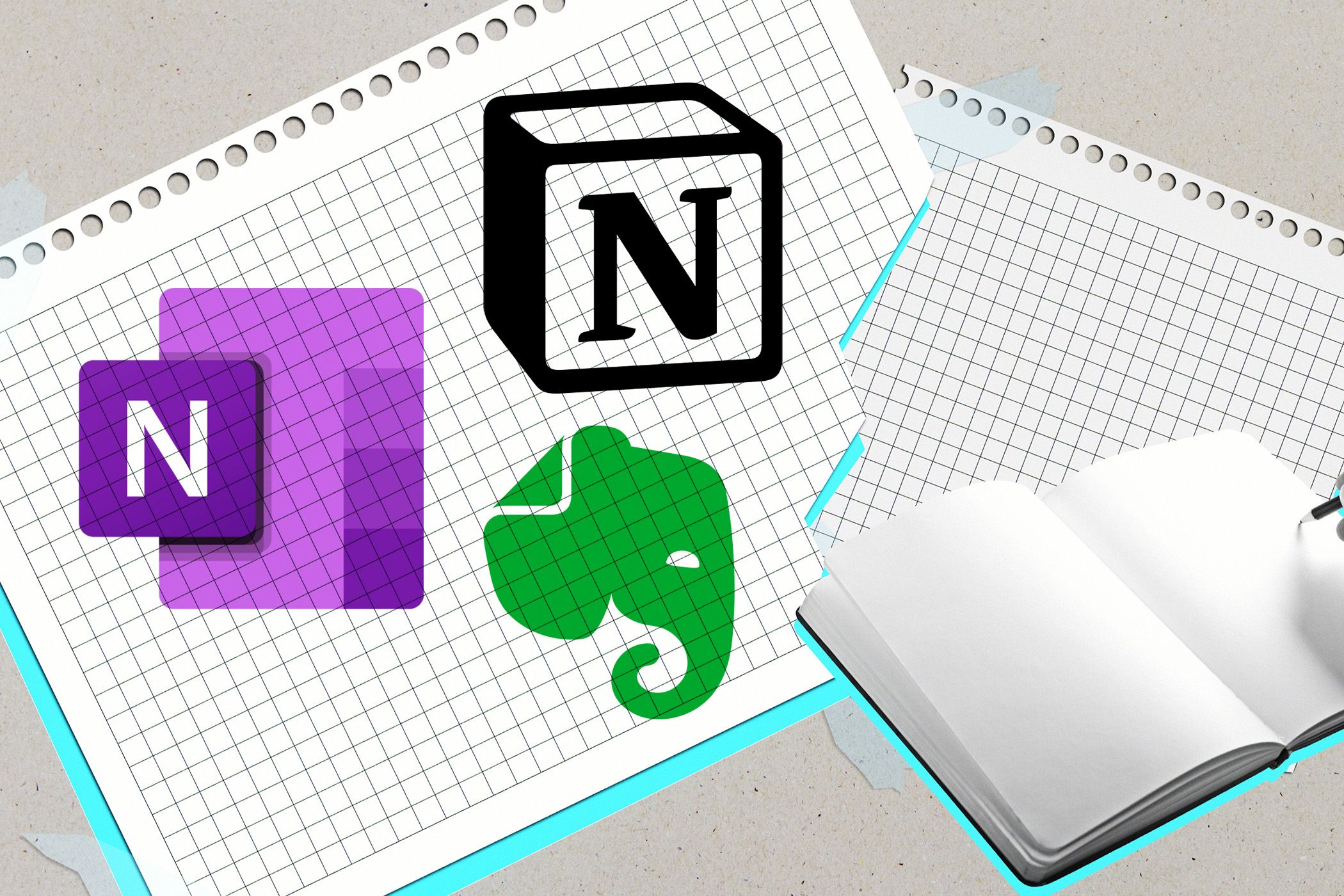
When it comes to productivity apps and staying organized, I’ve come to find that the free versions usually cover what I consider essential pretty well. Take, for example, free task managers like Notion or note-taking apps like Evernote Basic.
In fact, I’ve come to absolutely love Notion, especially when it comes to monthly tasks. It allows me to work on my productivity and planning without breaking the bank to do so.
These apps have robust features, like creating to-do lists, organizing notes, and syncing across devices without the user needing to pay a dime. For many users like myself, these core features are more than sufficient for boosting productivity without paying for extra functions you won’t use.
2
Alternatives Can Fill the Gaps
Instead of paying for premium versions, I’ve often found that combining different free tools can usually fill any gaps I might find. For instance, using Google Calendar and a free to-do app is enough to provide seamless scheduling and task management without needing premium integrations.
If you leverage free apps this way, you can save a lot of money while still maintaining a high level of productivity.
My recommendation? Actually take the time to sit down and look at what an app offers for free versus paid. If you can’t see yourself using at least 2 to 3 of the app’s capabilities, then look for a free app that can do it instead and pair up the two. You’ll save a lot of money in the long run.
3
Pro Features Often Target Niche Users
Many times, premium features on productivity apps are specifically designed for “power users” or businesses with bigger, more specific needs. For the average user, these extra features aren’t really necessary or relevant to what they want to do.
Things like advanced analytics, custom branding, or team collaboration tools are great options for those who need them (looking at you, Trello). However, casual users can usually accomplish their goals with free versions instead.
4
Free Trials and Freemium Models Let You Test First
One advantage I’ve noticed in many productivity apps is that they usually offer free trials or adopt a freemium model. This lets users test premium features before jumping head-first into a full-on subscription.
Now, personally, there have been instances where I’ve tried the free trial of a pro version and found that the additional features didn’t really affect or benefit my productivity and workflow. In fact, I often found more features I didn’t use or didn’t want to use than ones I did.

Something like Notion, which I absolutely love for productivity planning, has a free version that is great for anyone just looking to create a daily, monthly, or weekly schedule. I see absolutely no reason to buy a more robust version, even if I can see where it could work for teams and businesses.
So, by taking advantage of free trials, you can properly decide whether the pro version is worth the cost.
5
Subscriptions Add Up
Subscribing to several different productivity apps can quickly add up, much like streaming services, and can become more expensive than expected. Spending $5-10 per app a month might seem chump change at first, but when you calculate the annual cost that number can tally up to $100 or more.
While there might be some sense in being subscribed to 10 different streaming services, especially if they’re niche ones, that doesn’t usually translate to productivity apps. By sticking to free versions unless absolutely necessary, you can avoid the hidden cost of multiple subscriptions and allocate your resources wisely.
In the end, I’ve found that free versions of productivity apps had good-enough features to save me from having to subscribe to the paid version. By combining different free tools and strategizing how they’re used, I’ve maintained a high level of productivity without needing to pay more. So, before you reach for your payment card, try those free versions and see how far they take you!