
In the productivity space, the AI race is in full swing, with competitors Google and Microsoft rapidly adapting their offerings. The latest move comes from Microsoft, which is bundling its AI features tailored to Office apps into Microsoft 365 subscriptions. While it could mean a pricier plan, existing customers will have the ability to opt out of the upgrade.
Microsoft 365 Subscriptions Will Now Harness the Powers of Copilot
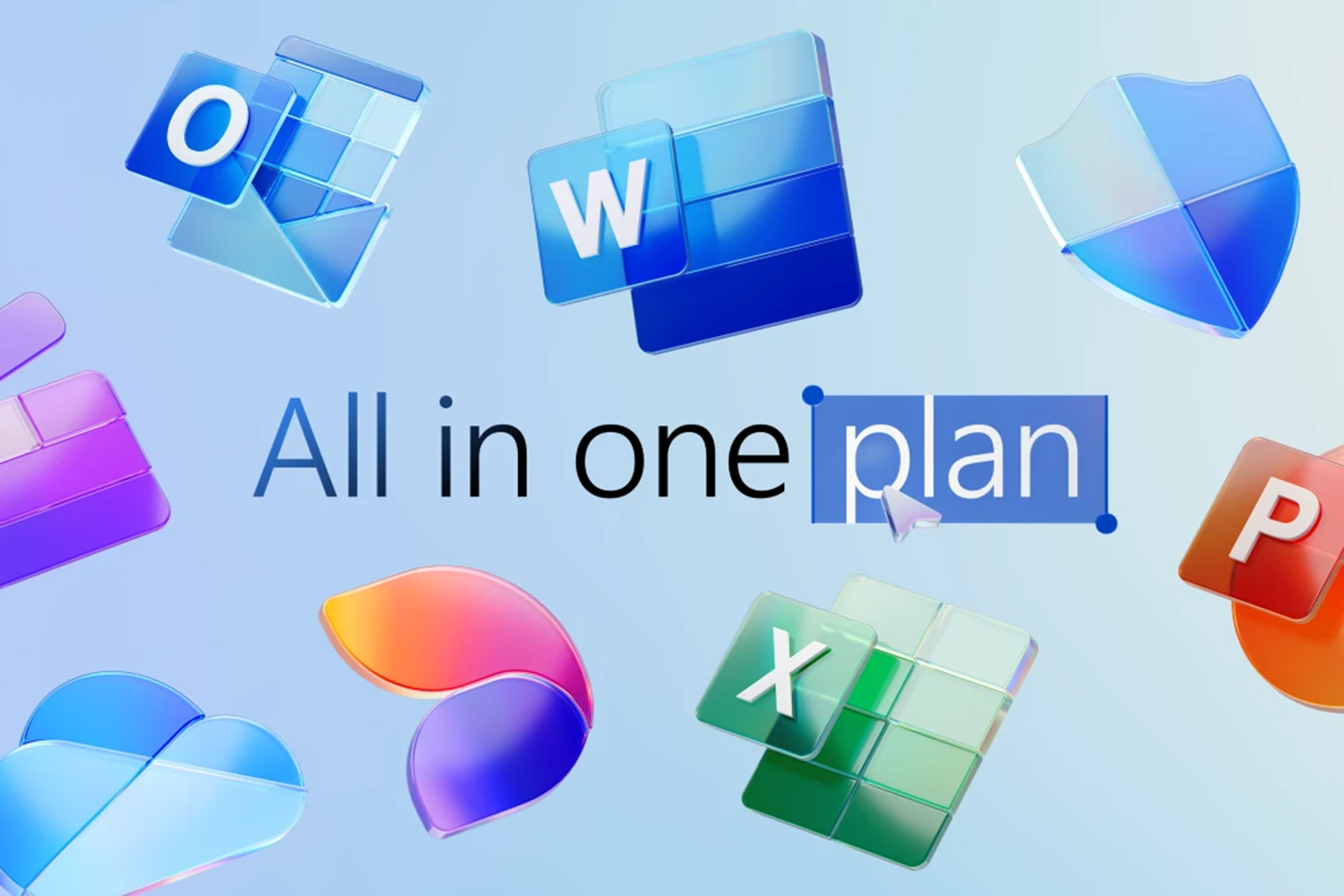
Microsoft first introduced its AI-powered tool, Copilot, to its Office apps in January 2024 by way of a $20/month Copilot Pro subscription. That plan not only included AI support in Word, PowerPoint, Excel, Outlook, and OneNote, but also provided early access to the latest GPT models and higher caps for image image generation. Now, Microsoft has restructured its subscriptions, bundling Copilot into Microsoft 365 productivity apps for only an additional $3/month.
This means that if you currently pay for a Microsoft Personal or Family subscription, you’ll soon gain Copilot capabilities and pay $3 more per month.
The update is likely Microsoft’s way of getting more users to use Copilot within Office apps, as $3 is a much easier pill to swallow than $20. This sentiment is reflected in Microsoft’s blog announcement, positioning the bundle less as a pivot and more as a premeditated scheme, claiming the “plan has always been to make Copilot in the Microsoft 365 apps more accessible to a wider audience at a great price.”
While it will be cheaper than ever to add Copilot to your Office apps, it isn’t a foregone conclusion if you’d rather not shell out for AI. According to Microsoft, existing subscribers “in most markets will automatically get access to Copilot in their apps once they update to the latest version,” but you can also choose to remain on a “classic” plan, avoiding the price increase and accompanying Copilot features. New customers, however, will only be able to purchase subscriptions to Microsoft 365 with Copilot.
Copilot Pro isn’t obsolete now, either. The $20/month subscription will remain available to users who still want the additional bells and whistles, like premium access to the most up-to-date AI models and new Copilot features.
What Kind of Features Can We Expect in Microsoft 365 With Copilot?
The ways that Copilot can enhance your experience in Microsoft’s Office apps look fairly similar to Google’s Gemini integration with its Workspace apps, from email summaries to design support. One example that Microsoft provides is using Copilot to analyze and provide insights on a budget in Excel.
Other ideas from Microsoft include:
|
App |
Example of Copilot Use |
|---|---|
|
Word |
Generate a recipe or meal plan, considering dietary restrictions or preferences. |
|
PowerPoint |
Generate a slideshow, considering design notes and specified photos. |
|
Outlook |
Summarize long email threads. |
|
OneNote |
Generate a list of action items from a free-form note. |
Microsoft is also adding its Designer app to its Personal and Family plans, so subscribers will have access to Microsoft’s image generation tool for projects ranging from wedding invitations to custom wallpaper.
The fact that new Microsoft 365 customers will now only be able to purchase Copilot-inclusive subscriptions is a sign that AI is more or less an inevitability when it comes to productivity tools. It’s a shift from AI being an optional add-on to a native feature—whether we like it or not. That being said, AI regulations are ever-changing, which means that while we may not have a choice about paying for AI functionality, we will still have a choice about disabling these features.