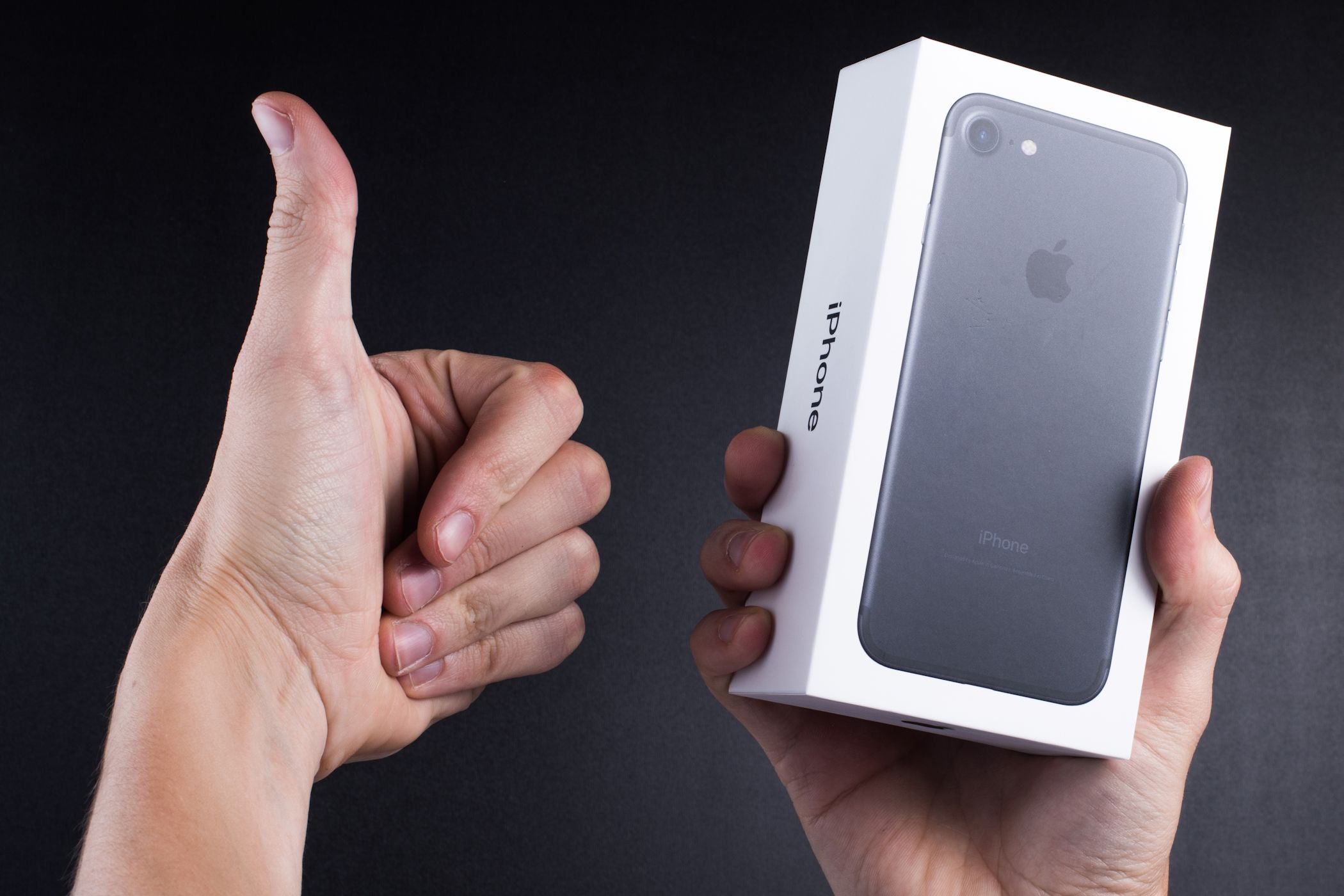

Even if your iPhone is no longer suitable as your daily driver, it’s far from obsolete. It can still be useful and serve a variety of purposes.
1
Repurpose It as a High-Quality Webcam
If your desktop computer doesn’t have a webcam, you don’t need to buy a new one—your old iPhone can do the job. Even if you have a laptop with a built-in webcam, it’s likely no match for the superior camera quality of an iPhone, even an older model.
Using your iPhone as a webcam is quite simple, especially on a Mac. If your iPhone is running iOS 16 or later, you can use Continuity Camera for a wireless connection. This feature allows your Mac to automatically detect and use your iPhone as a webcam with minimal setup.
If you’re using a Windows computer, you can use a third-party app like Camo to turn your old iPhone into a webcam.
Download: Camo for iOS | Windows (Free, premium version available)
2
Use It as a Mac Speaker

Not satisfied with your Mac’s built-in speaker? You can use your iPhone as a speaker for your Mac. However, since macOS doesn’t offer an option to stream audio directly to an iPhone, you’ll need a third-party app like Airfoil to make this work.
Airfoil lets you stream audio from your Mac to your iPhone over Wi-Fi or Bluetooth, effectively turning it into a wireless speaker. This is a great way to improve your audio experience without investing in new hardware.
Download: Airfoil for iOS | Mac (Free, premium version available)
3
Transform It Into a VR Headset

Using a VR headset is a fun experience, but if you don’t want to buy one, you can use your old iPhone with a cardboard VR headset.
Although Google has discontinued its Cardboard VR headset, there are still plenty of affordable alternatives available online. Once you have bought one, you simply need to place your old iPhone into the headset.
You can then watch immersive 360-degree videos in the YouTube app or try games like Roller Coaster to experience thrilling rides. This setup is perfect for virtual tours, interactive experiences, and basic VR gaming.
Download: Roller Coaster VR Theme Park (Free, in-app purchases available)
4
Use It as an AI Chatbot

If you’ve tried ChatGPT’s voice mode or Gemini Live, you know how these AI assistants can be helpful for brainstorming ideas and exploring topics. If you enjoy using them, you can consider repurposing an old iPhone as a dedicated AI chatbot device for your desk.
With this setup, you can have real-time conversations, ask it to tell jokes, or get help with an idea—all without occupying your primary phone. To do this, install your preferred AI app, connect your iPhone to Wi-Fi, and keep it on your desk or nightstand.
5
Convert It Into an iPod

Those who like listening to music and audiobooks can also turn their old iPhone into an iPod. There’s no complicated setup required; simply purchase the My Classic app from the App Store, and you’ll be good to go.
At first glance, My Classic looks like a Game Boy emulator by default, but it hides a fun Easter egg. You can enter a special code to transform it into an iPod Classic interface (as outlined by Pocket-lint), complete with the iconic click wheel. From there, you can browse and play your favorite songs and podcasts using Apple Music.
Download: My Classic ($3)
6
Use It to Control Smart Home Devices

Another excellent way to repurpose an old iPhone is by turning it into a dedicated smart home controller. With apps like Apple Home and Google Home, you can manage your compatible devices, including lights, thermostats, cameras, and more.
If you plan to do this, it’s a good idea to mount your iPhone in a convenient spot, like the living room or entryway, so it’s easily accessible for everyone in the house.
7
Use It as a Kitchen Helper
Instead of risking spills or smudges on your primary device, you can dedicate your old iPhone to kitchen duty. You can install one of the best recipe organizer apps and use the built-in Clock app for timers. Plus, with Siri, you can set hands-free timers or quickly convert measurements while cooking.
And if you love listening to music while cooking, your old iPhone can also double as a kitchen entertainment hub with apps like Spotify and Apple Music. For easy access, you can mount your iPhone on a stand or attach it to the fridge with a magnetic holder.
8
Upgrade Any Speaker Into a Smart Speaker

If you look at smart speakers, they are nothing but regular speakers with a voice assistant, some processing power, and a microphone. Guess what? Your old iPhone also has all of these things too.
So, if you have an unused Bluetooth or even wired speaker, you can connect your old iPhone to it and create a budget-friendly smart speaker system. All you have to do is enable Hey Siri on your iPhone and connect the speaker.
Once set up, you can use it to play music, control smart home devices, check the weather, set reminders, and do almost everything else a smart speaker can do.
9
Make It Your “Dumb Phone”

A dumb phone is a device with limited functionality, typically allowing only calls, texts, and possibly a few basic apps. One of its biggest advantages is that it reduces distractions and enhances focus.
Turning your iPhone into a dumb phone isn’t too difficult. You can do this easily by removing all the non-essential apps and installing Blank Spaces Launcher. If you have an iPhone running iOS 17, you can set up Assistive Access for a similar experience.
This setup is perfect for anyone looking to break free from endless notifications while still remaining reachable. Plus, since this disables all the power-hungry features, your old iPhone’s aging battery will last much longer between charges.
Download: Blank Spaces (Free, in-app purchases available)
If you don’t want to part with your once-beloved iPhone, it’s better to put it to good use rather than let it gather dust in a drawer. These ideas are just the tip of the iceberg—there are many other ways to repurpose your old iPhone, such as turning it into a security camera, digital photo frame, e-book reader, and more.